How many bookings do you lose to voicemail?
It's a serious question. A family searches "kayak hire near me" on a Sunday morning. They find your website, see a phone number, and call. You're already on the water with another group. They leave a message. You call back at 4pm. They've already booked with someone else.
Every missed call is a missed booking. Every "send us an email" is friction that pushes customers towards the operator with an instant booking button.
The Old Way vs. The PayCamp Hire Way
The old way:
- Customer finds your website
- Calls or emails to check availability
- You reply (eventually)
- Back-and-forth on times and group size
- You send bank details or take card over the phone
- Customer arrives — you start the paperwork
That's 6 steps and potentially days of delay. Here's what it looks like with PayCamp Hire:
The PayCamp Hire way:
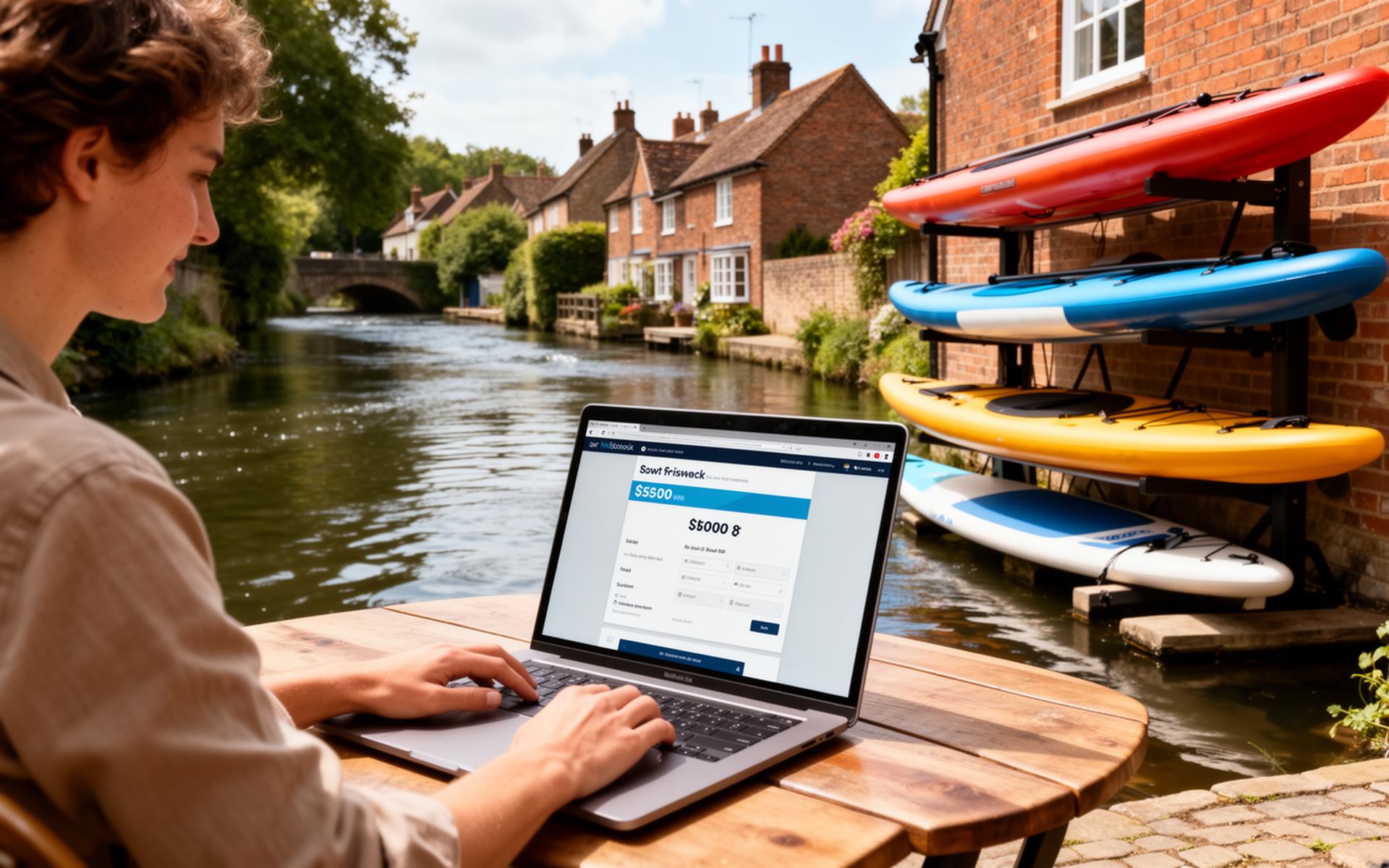
- Customer visits your branded booking portal
- Browses your fleet, picks a time slot
- Enters details, pays deposit — done
Three clicks. Under two minutes. Booking confirmed instantly.
Your Branded Booking Portal
Every PayCamp Hire operator gets a customisable public booking page. Customers see your fleet with photos, descriptions, capacity information, and pricing. They can filter by craft type, check availability in real time, and book without ever picking up the phone.
The portal sits at a clean URL you can link from your website, social media, or Google Business profile. It looks professional because it is professional.
Fleet Browser
Customers browse your available craft with:
- Photos — show off your fleet
- Capacity — "seats up to 4 people"
- Descriptions — what makes each craft special
- Pricing tiers — hourly, half-day, full-day rates clearly displayed
- Availability — real-time slot availability
Time Slot System
You define your operating sessions — morning, afternoon, full day, hourly slots — whatever suits your business. The booking portal only shows available slots, so customers can't book something that's already taken. No double bookings. No awkward phone calls.
Instant vs. Enquiry Mode
Not every operator wants instant bookings. Some prefer to review each request before confirming. PayCamp Hire supports both:
- Instant mode — customer books, pays deposit, gets immediate confirmation
- Enquiry mode — customer submits a booking request, you review and approve/decline
Switch between modes anytime. Use instant for standard kayak sessions and enquiry mode for large group bookings or premium craft. It's your call.
Deposit Collection
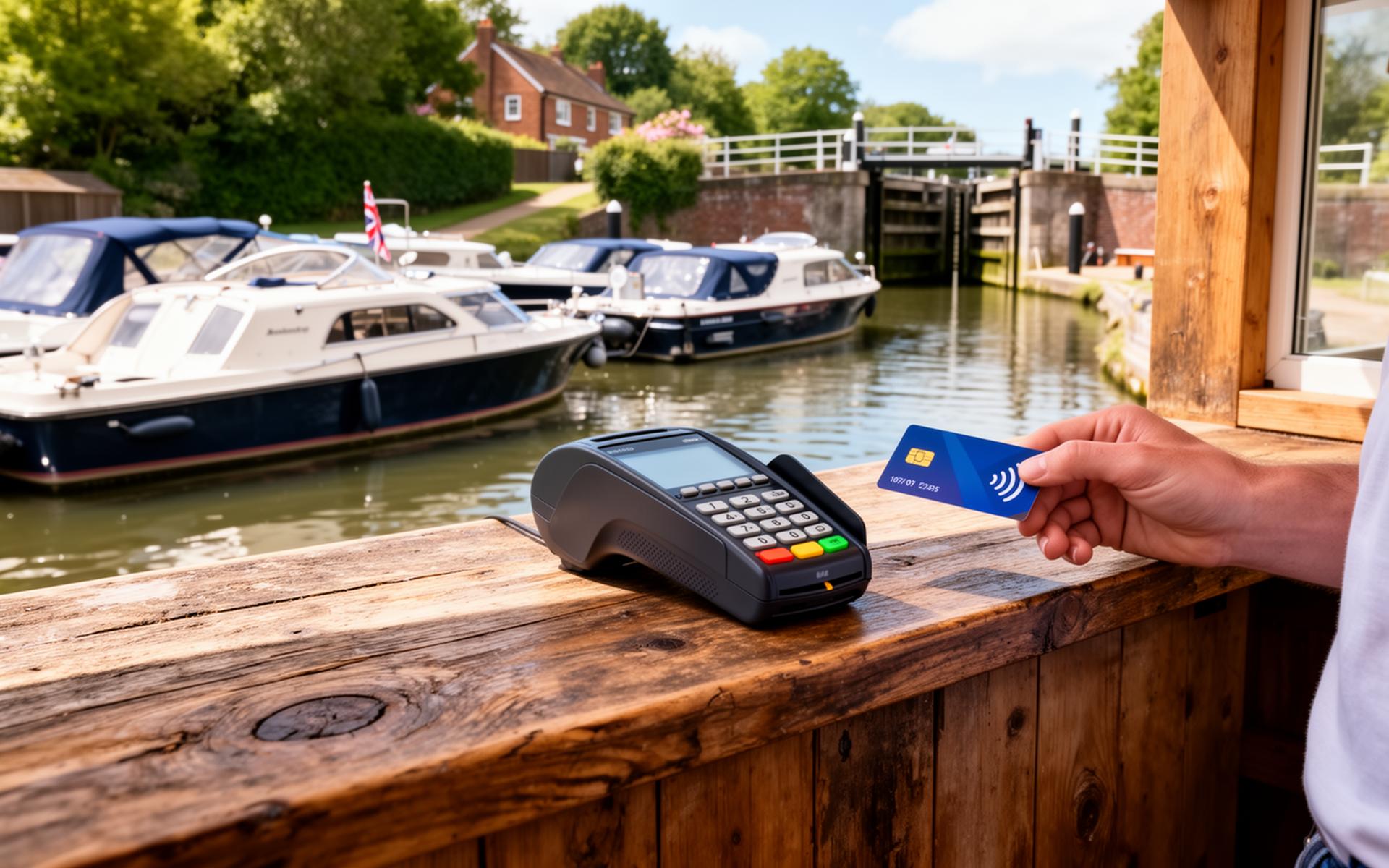
PayCamp Hire collects deposits at the point of booking. You choose:
- Percentage — e.g., 25% of the total
- Fixed amount — e.g., £20 per booking
Payments are processed securely through Stripe. The balance can be collected on arrival or beforehand — your rules, your way. Check out our payments blog post for more on this.
Same-Day Bookings
Sunny morning? Expect last-minute bookings. PayCamp Hire supports same-day bookings with configurable minimum notice periods. Set a 2-hour minimum and customers can still book for that afternoon. Or disable same-day entirely if you prefer advance planning.
The Operator View
While customers enjoy a smooth booking experience, you get a powerful visual calendar:
- Colour-coded statuses — confirmed, pending, checked-in, completed
- Daily/weekly views — see your entire schedule at a glance
- Booking details — click any booking for full customer info, waiver status, payment status, ID verification
- Manual bookings — add walk-ins and phone bookings directly
Booking Confirmation Emails
Every confirmed booking triggers an automatic confirmation email to the customer with:
- Booking reference
- Date, time, and craft details
- Location and directions
- What to bring
- Links to complete their waiver and ID upload
No manual emails. No copy-pasting. It just works.
Advance Booking Limits
Want to open summer bookings on 1st March? Set an advance booking limit and the portal automatically opens availability at the right time. Useful for seasonal operators who don't want bookings trickling in for months they haven't planned yet.
The Bottom Line
Every phone call you don't have to make, every email you don't have to send, every payment you don't have to chase — that's time and money back in your pocket.
Ready to let customers book themselves? Check our pricing or get in touch to chat about your setup.
Let customers book themselves. Start your free trial and see the difference.
Key Features Mentioned
- Public booking portal with custom branding
- Fleet browser with photos, capacity, and pricing
- Session and time-slot scheduling
- Instant and enquiry booking modes
- Deposit collection (percentage or fixed)
- Same-day booking with minimum notice
- Visual operator calendar
- Automatic booking confirmation emails
- Advance booking limits
Tags
Published by
The PayCamp Hire Team
Sharing insights on boat hire operations, fleet management, and growing water sports businesses. Have questions? We'd love to chat.